Postingan

Menampilkan postingan dengan label Firebase Cloud Messaging

Notifications from the Twitter app are easier on your battery
Gambar
This blogpost is a collaboration between Google and Twitter. Authored by Jingwei Hao with support from César Puerta, Fred Lohner from Twitter, and developed with Jingyu Shi from Google. Push notifications are an important way to keep Twitter users informed about what's happening. However, they can be a significant and often overlooked source of battery drain. For example: high priority notifications can wake a phone from Doze , and fetching data upon push notification delivery via the network can drain the battery quickly. As app developers at Twitter, we know that battery life is an important aspect of the mobile experience for our users. Over time we've taken several steps to optimize our app to work with the power saving features, particularly around push notifications. In this article, we'll share what we did to save battery life on our users' devices in the hope this will help other developers optimize their apps as well. Firebase Cloud Messaging migration Earlier...
Getting screen brightness right for every user

Gambar
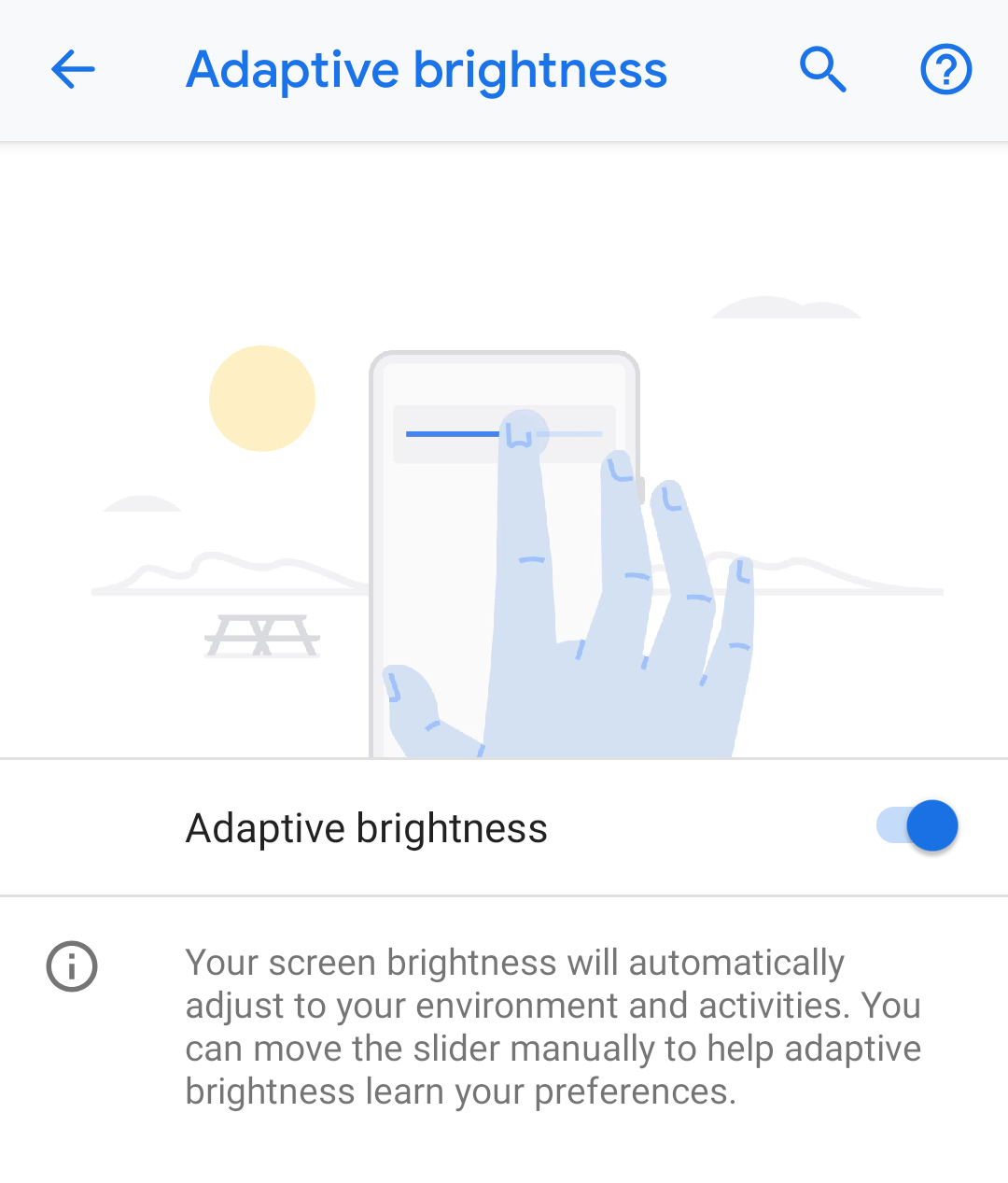
Posted by Ben Murdoch, Software Engineer and Michael Wright, Android Framework Engineer The screen on a mobile device is critical to the user experience. The improved Adaptive Brightness feature in Android P automatically manages the display to match your preferences for brightness level so you get the best experience, whatever the current lighting environment. Screen brightness in Android is managed via Quick Settings or via the settings app (Settings → Display → Brightness Level). In Android Pie, Adaptive Brightness is enabled by default (Settings → Display → Adaptive Brightness). While enabled, Android automatically selects a screen brightness that's suitable for the user's current ambient light conditions. Prior to Android Pie, the brightness slider didn't represent an absolute screen brightness level, but a global adjustment factor for boosting or reducing the device manufacturer's preset screen brightness curve across all ambient light levels: * Setting the slider...

Notifying your users with FCM

Gambar
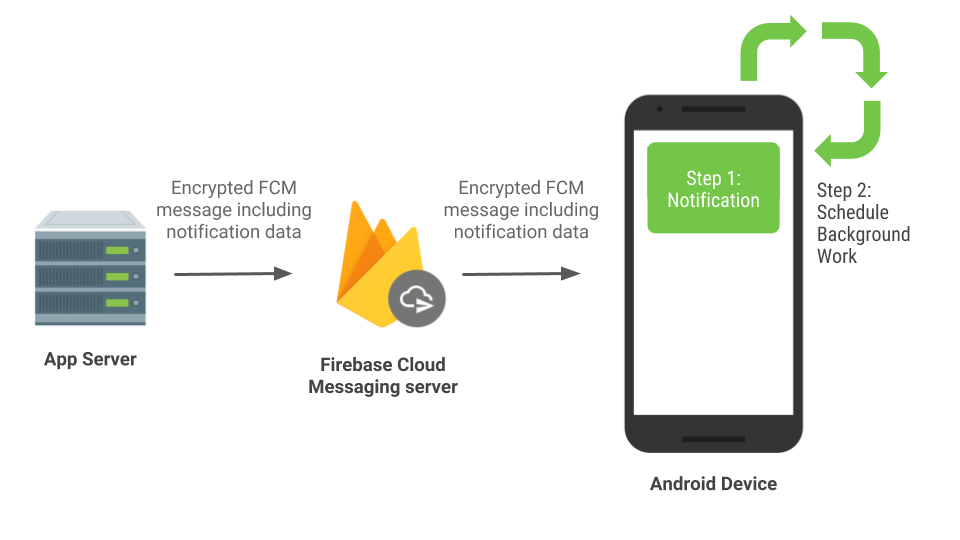
Posted by Jingyu Shi, Partner Developer Advocate, Partner DevRel This is the second in a series of blog posts in which outline strategies and guidance in Android with regard to power. Notifications are a powerful channel you can use to keep your app's users connected and updated. Android provides Notification APIs to create and post notifications on the device, but quite often these notifications are triggered by external events and sent to your app from your app server. In this blog post, we'll explain when and how to generate these remote notifications to provide timely updates to users and minimize battery drain. Use FCM for remote notifications We recommend using Firebase Cloud Messaging (FCM) to send remote notifications to Android devices. FCM is a free, cross-platform messaging solution that reliably delivers hundreds of billions of messages per day. It is primarily used to send remote notifications and to notify client applications that data is available to sync. If y...