Postingan

Menampilkan postingan dengan label Media

Playing nicely with media controls
Gambar
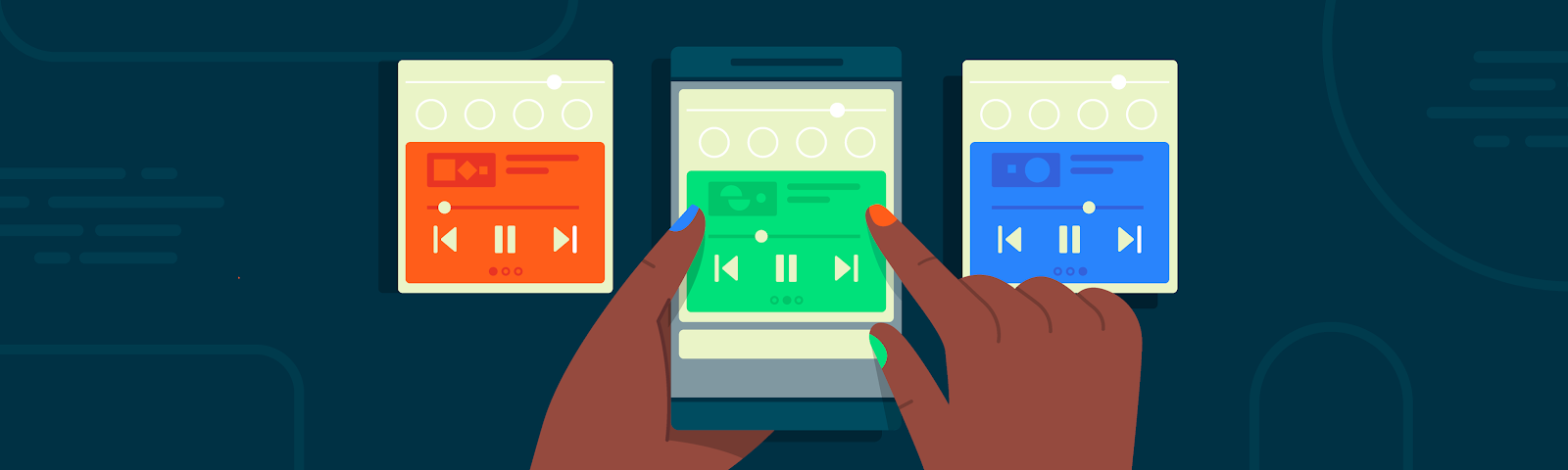
Posted by Don Turner - Developer Advocate - Android Media In Android 11 we've made it easier than ever for users to control media playback. This is achieved with three related features: media controls, playback resumption and seamless transfer. This article will explain what these features are, how they work together and how you can take advantage of them in your apps. Media Controls Android 11's media controls are found below the Quick Settings panel and represent a dedicated persistent space for controlling media playback. Media controls in Android 11 Part of the motivation for media controls is that users often have multiple media apps (music player, podcasts, video player etc) and regularly switch between them. Media controls display up to five current and recent media sessions in a carousel allowing the user to swipe between them. On Android 10 and earlier, media notifications for multiple apps can occupy most of the notification area. All those control buttons can a...

Capturing Audio in Android Q

Gambar
Posted by Don Turner , Developer Advocate for Android Media In Android Q there's a new API which allows applications to capture the audio of other applications. It's called the AudioPlaybackCapture API and it enables some important use cases for easier content sharing and accessibility. Some examples include: Live captioning - allowing the audio content of the currently playing app to be captioned or translated in real time. In fact, the Live Caption feature shown at I/O this year is a client of this API. Live captioning allows your users to engage with audible content even when it's impossible or inconvenient to do so, such as listening in a public place without headphones. Game recording and streaming - In-game sounds can be recorded and streamed to live audiences, helping to increase the social reach of game content. There may be some situations where a developer wishes to disallow the capture of their app's audio. This article explains how audio capture works for...

Verifying your Google Assistant media action integrations on Android

Gambar
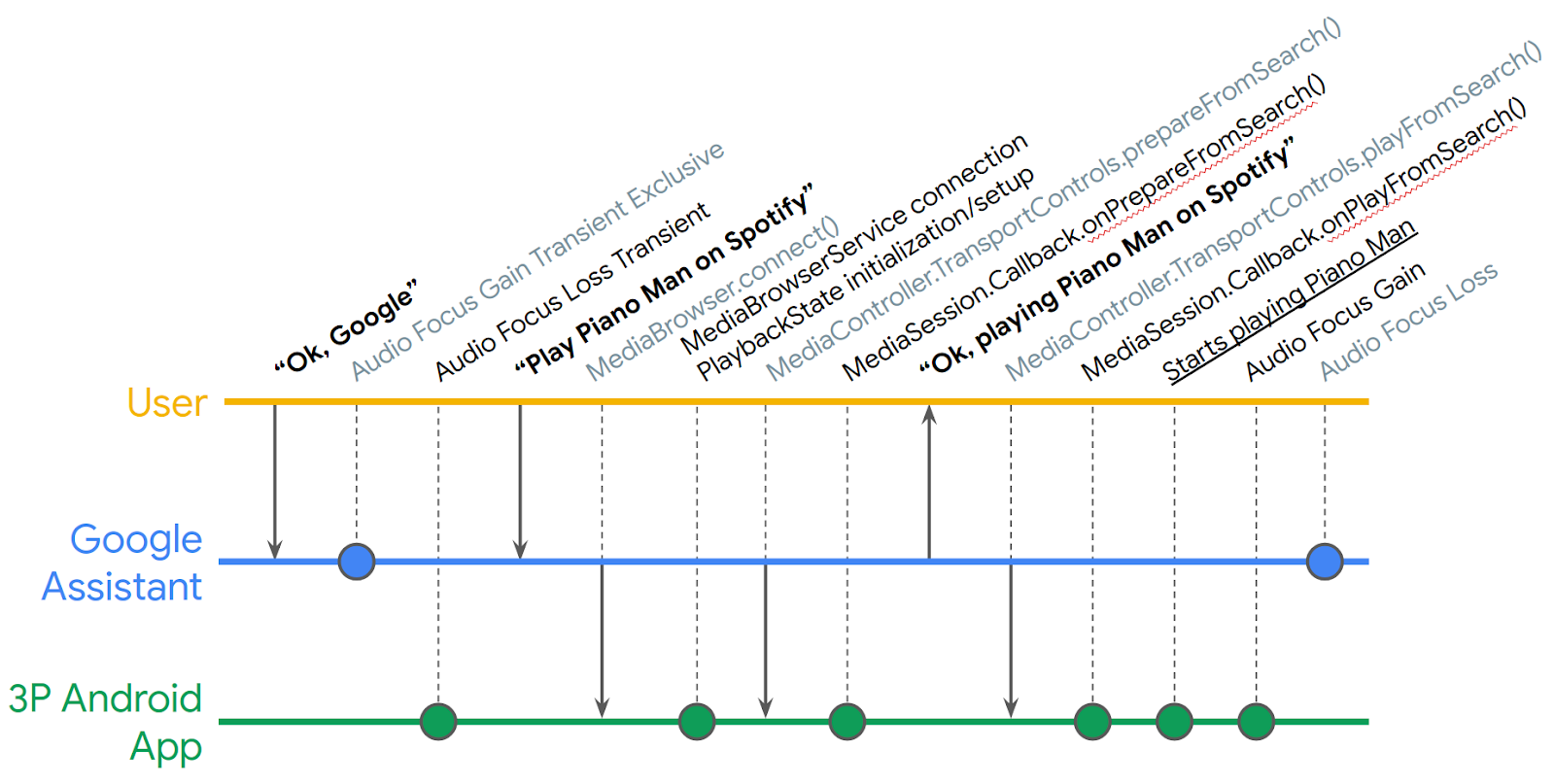
Posted by Nevin Mital, Partner Developer Relations The Media Controller Test (MCT) app is a powerful tool that allows you to test the intricacies of media playback on Android, and it's just gotten even more useful. Media experiences including voice interactions via the Google Assistant on Android phones, cars, TVs, and headphones, are powered by Android MediaSession APIs. This tool will help you verify your integrations. We've now added a new verification testing framework that can be used to help automate your QA testing. The MCT is meant to be used in conjunction with an app that implements media APIs, such as the Universal Android Music Player . The MCT surfaces information about the media app's MediaController, such as the PlaybackState and Metadata, and can be used to test inter-app media controls. The Media Action Lifecycle can be complex to follow; even in a simple Play From Search request, there are many intermediate steps (simplified timeline depicted below) whe...