Postingan

Make the most of Notifications with the redesigned Wear OS by Google
Gambar
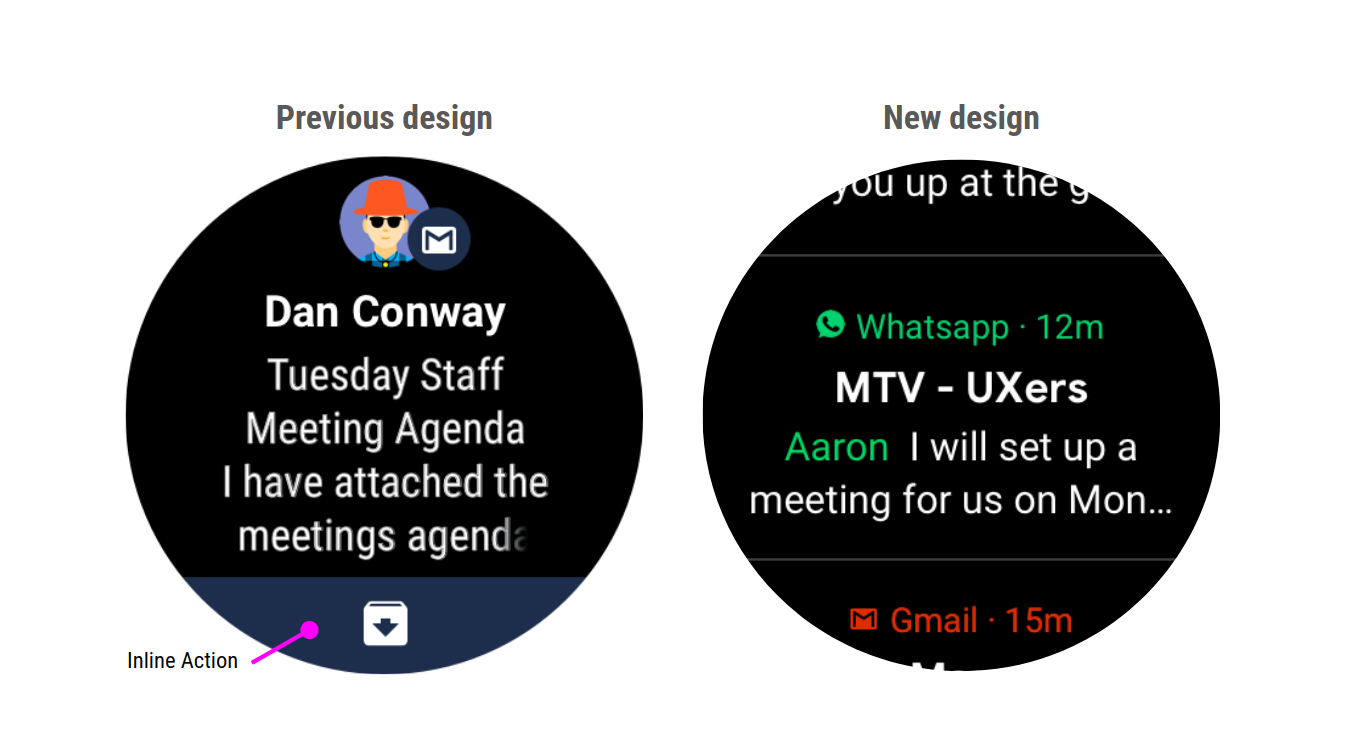
Posted by Hoi Lam , Lead Developer Advocate, Wear OS by Google Today we announced that we are evolving the design of Wear OS by Google to help you get the most out of your time - providing quicker access to your information and notifications. Notifications can come from the automatic bridging of the phone's notification or be generated by a local Wear app running on the watch. Whether you are a phone developer, a Wear app developer, or both, there are a few things you will need to know about the new notification stream. The new notification stream Until now, each notification took up the entire screen in Wear OS. Although this provided more space to include things like inline action, it also meant it took a long time for the user to go through all their notifications. The new notification stream is more compact, and can display multiple notifications on the same screen. This means users can process their notification streams more quickly. What this means for developers Concise not...
Verifying your Google Assistant media action integrations on Android

Gambar
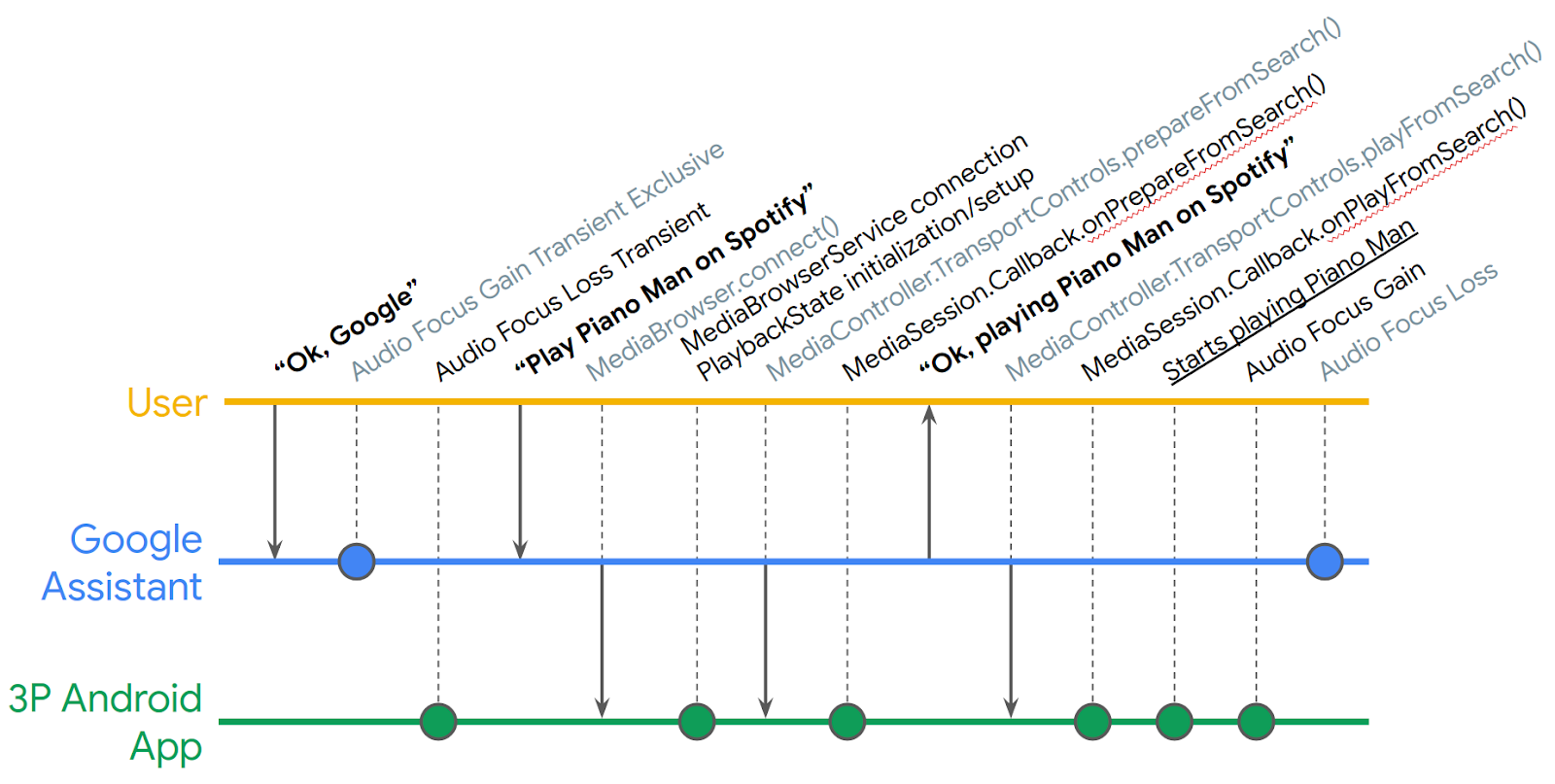
Posted by Nevin Mital, Partner Developer Relations The Media Controller Test (MCT) app is a powerful tool that allows you to test the intricacies of media playback on Android, and it's just gotten even more useful. Media experiences including voice interactions via the Google Assistant on Android phones, cars, TVs, and headphones, are powered by Android MediaSession APIs. This tool will help you verify your integrations. We've now added a new verification testing framework that can be used to help automate your QA testing. The MCT is meant to be used in conjunction with an app that implements media APIs, such as the Universal Android Music Player . The MCT surfaces information about the media app's MediaController, such as the PlaybackState and Metadata, and can be used to test inter-app media controls. The Media Action Lifecycle can be complex to follow; even in a simple Play From Search request, there are many intermediate steps (simplified timeline depicted below) whe...

Exclusive new organic acquisition insights on the Google Play Console

Gambar
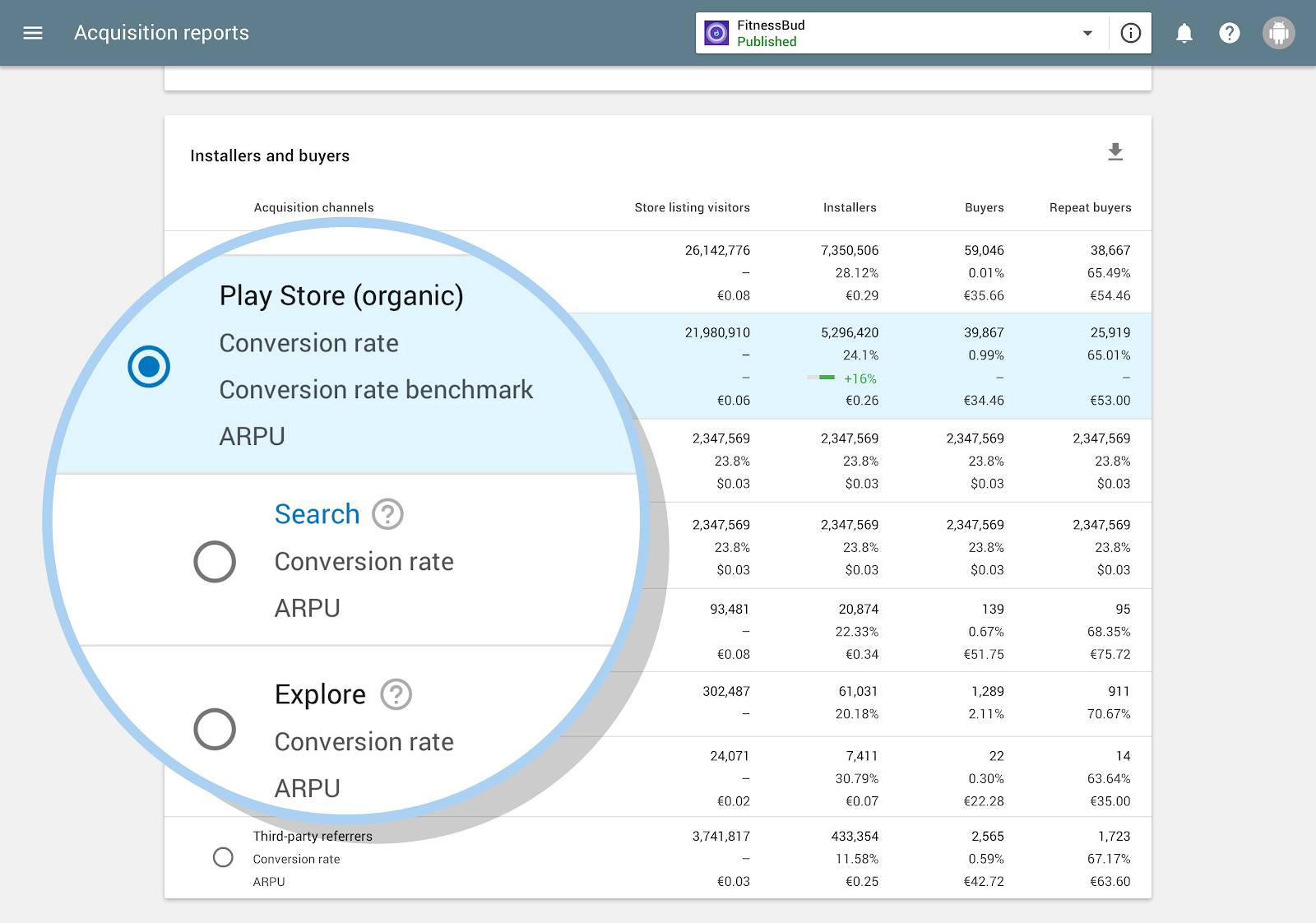
Posted by Tom Grinsted, Product Manager, Google Play We've updated the Play Console acquisition reports to give new insights into what users do on the Play Store to discover your app. It's a great way to super-charge your App Store Optimization (ASO) and onboarding experience. One of the things every developer wants to know is how people discover their app or game. User acquisition reports in the Google Play Console are a great way to understand this. For many apps and games, a stand-out source is Organic traffic — it's usually the largest or second largest source of store listing visits and installs. Organic traffic is made up of people who come to your store listing while exploring or searching the Play Store. These visitors might find your app in a seasonal collection, from featuring, or while searching for a specific use case or term. Until recently, this traffic has been bundled together with no breakdown of data into user behavior. With our latest updates we have cha...

Evolution of Android Security Updates

Gambar
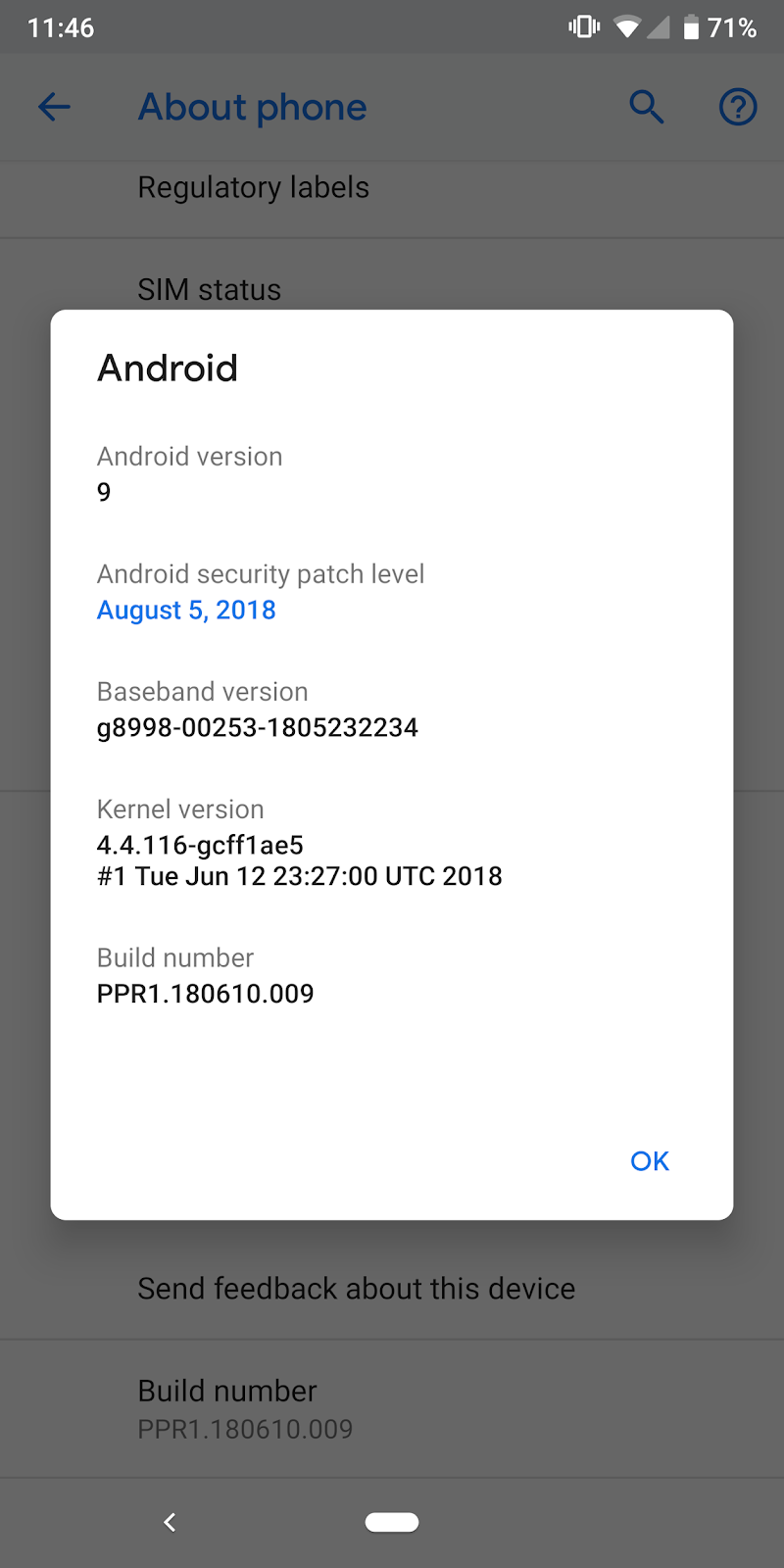
Posted by Dave Kleidermacher, VP, Head of Security - Android, Chrome OS, Play At Google I/O 2018 , in our What's New in Android Security session, we shared a brief update on the Android security updates program. With the official release of Android 9 Pie, we wanted to share a more comprehensive update on the state of security updates, including best practice guidance for manufacturers, how we're making Android easier to update, and how we're ensuring compliance to Android security update releases. Commercial Best Practices around Android Security Updates As we noted in our 2017 Android Security Year-in-Review , Android's anti-exploitation strength now leads the mobile industry and has made it exceedingly difficult and expensive to leverage operating system bugs into compromises. Nevertheless, an important defense-in-depth strategy is to ensure critical security updates are delivered in a timely manner. Monthly security updates are the recommended best practice for A...

Streamlining the developer experience for instant games

Gambar
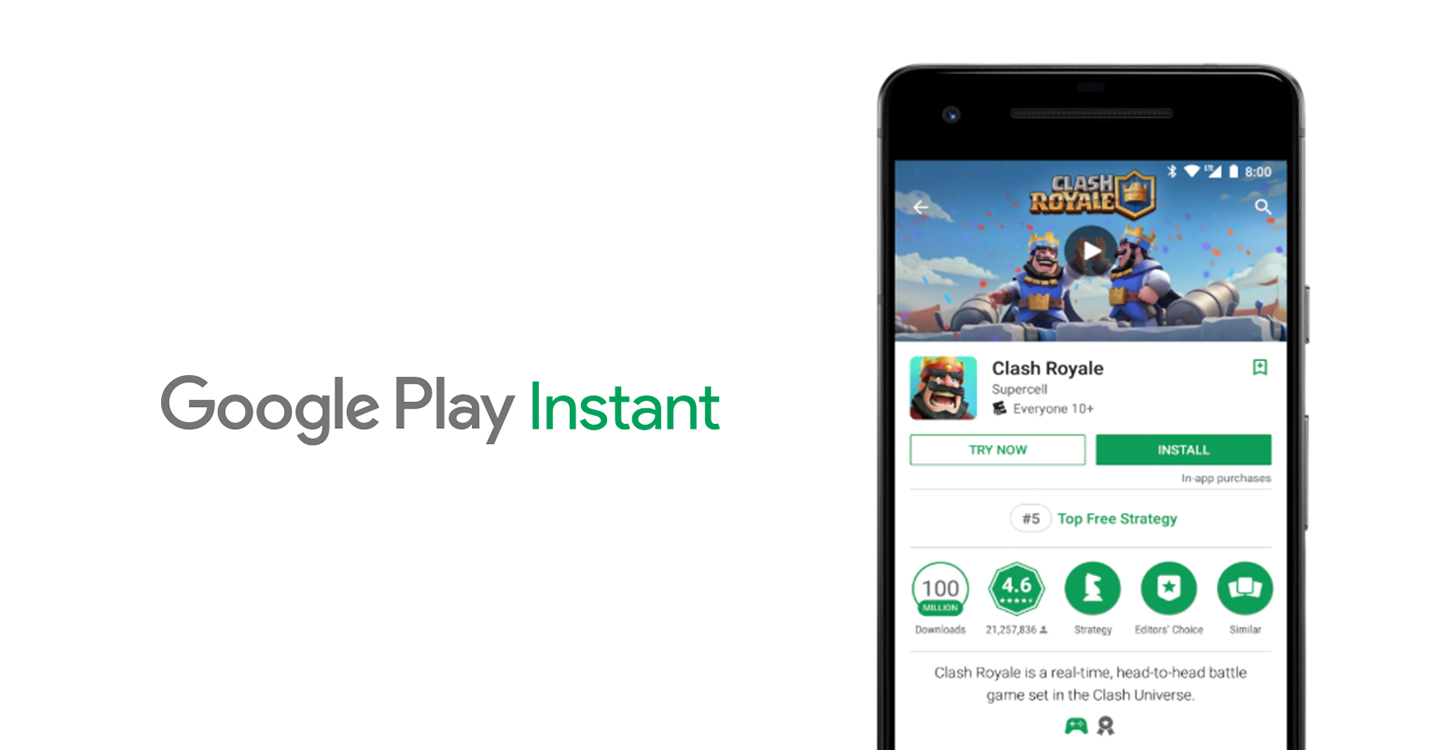
Posted by Vlad Zavidovych, Software Engineer; Artem Yudin, Software Engineer Google Play Instant enables people to experience your game or app natively without having to go through a full installation process. Removing the friction of installing is a great way to increase engagement, conversions, and lifetime value of your users. Today, we've made it easier to build instant games and apps by removing the URL requirement. Previously, in order to publish an instant game you had to create a web destination for it. The website also had to be connected to the instant game through intent filters and digital asset links verification . Now, it is no longer required to add URL-based intent filters to your instant game. People will be able to access the instant experience through a 'Try Now' button in the Play Store or Play Games apps, via deep link API , and in the future through the app ads. While being particularly helpful for games which often don't have a corresponding we...

Alternative input methods for Android TV

Gambar
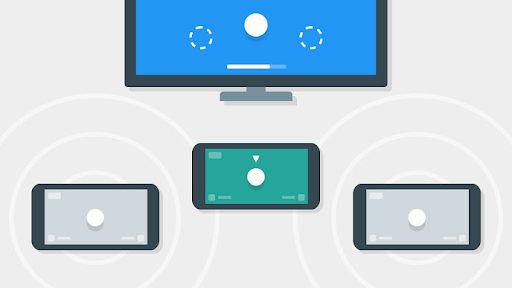
Posted by Benjamin Baxter, Developer Advocate and Bacon Connoisseur All TVs have the same problem with keyboard input: It is very cumbersome to hunt and peck for each letter using a D-pad with a remote. And if you make a mistake, trying to correct it compounds the problem. APIs like Smart Lock and Autofill , can ease user's frustrations, but for certain types of input, like login, you need to collect complex input that is difficult for users using the on-screen keyboard. With the Nearby Connections API , you can use a second screen to gather input from the user with less friction. How Nearby Connections works From the documentation : "Nearby Connections is an offline peer-to-peer socket model for communication based on advertising and discovering devices in proximity. Usage of the API falls into two phases: pre-connection, and post-connection. In the pre-connection phase, Advertisers advertise themselves, while Discoverers discover nearby Advertisers and send connection reque...

Streaming support spec for hearing aids on Android

Gambar
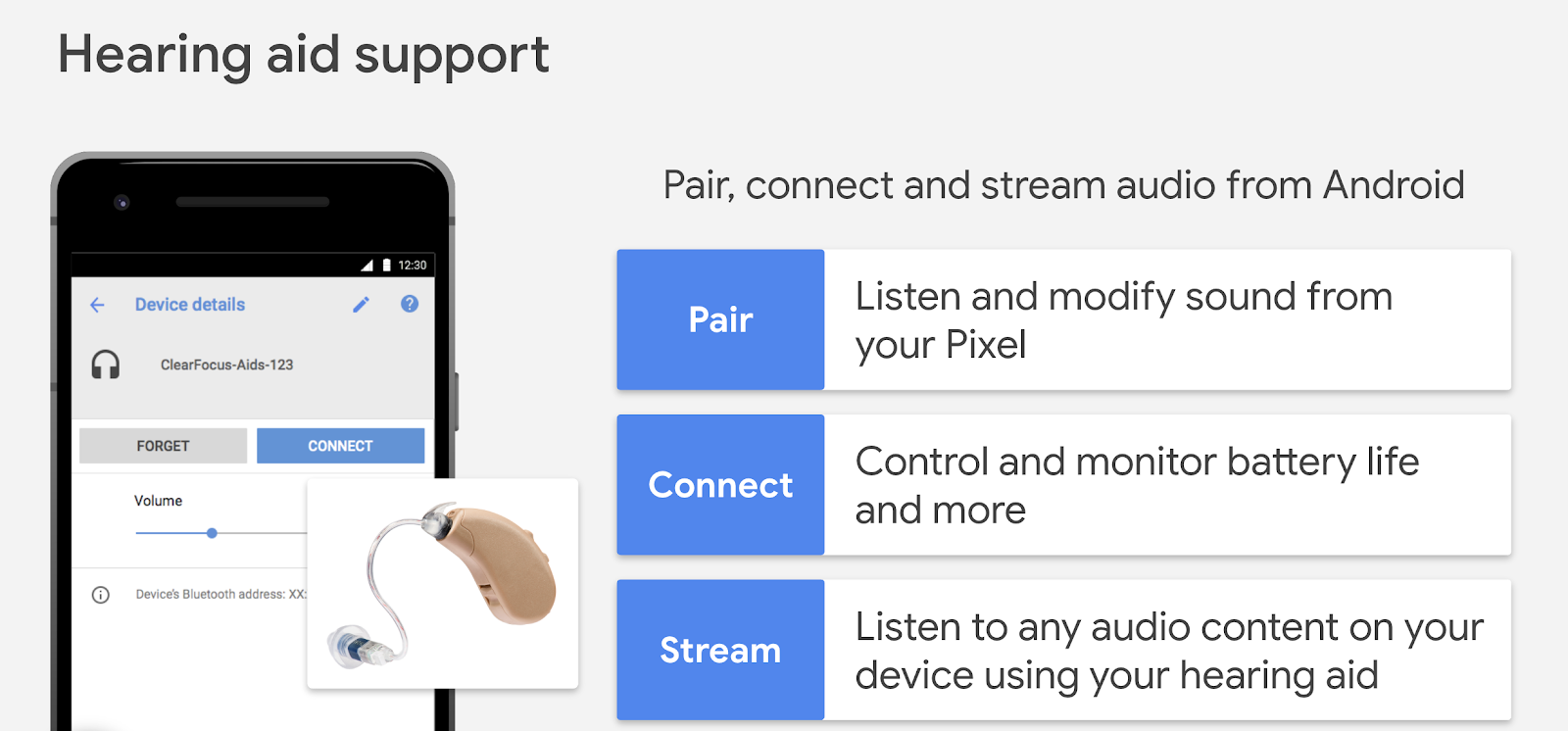
Posted by Seang Chau, Vice President, Engineering According to the World Health Organization 1 , around 466 million people worldwide have disabling hearing loss. This number is expected to increase to 900 million people by the year 2050. Google is working with GN Hearing to create a new open specification for hearing aid streaming support on future versions of Android. Users with hearing loss will be able to connect, pair, and monitor their hearing aids so they can hear their phones loudly and clearly. Hearing aid users expect a high quality, low latency experience with minimal impact on phone and hearing aid battery life. We've published a new hearing aid spec for Android smartphones: Audio Streaming for Hearing Aids (ASHA) on Bluetooth Low Energy Connection-Oriented Channels . ASHA is designed to have a minimal impact on battery life with low-latency while maintaining a high quality audio experience for users who rely on hearing aids. We look forward to continually evolving the s...